

Adding Chatroll chat to your Weebly site
Follow these instructions to add Chatroll to your Weebly site:
- Log in to your Weebly site.
- Start the editor for the relevant page.
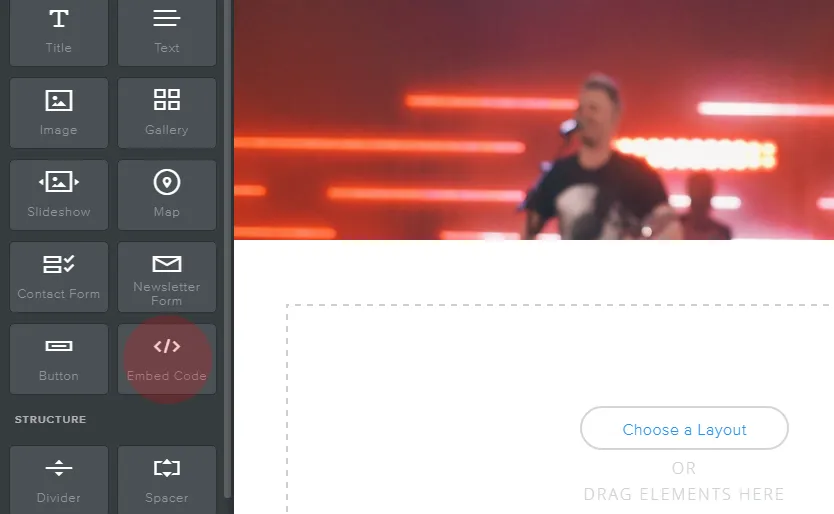
- Drag the Embed Code Element to the place on the page that you want to embed Chatroll.
- Click Click to set custom HTML.
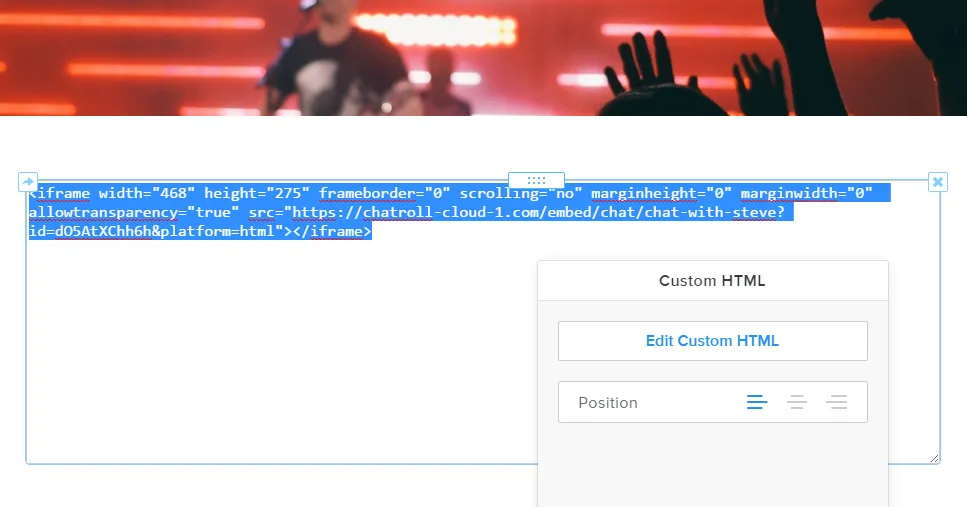
- Click Edit Custom HTML.
- Paste your Chatroll quick embed code. You can find your quick embed code by logging in to your Chatroll account and clicking Embed Code.
- Click away from the Edit Custom HTML window to apply the change.
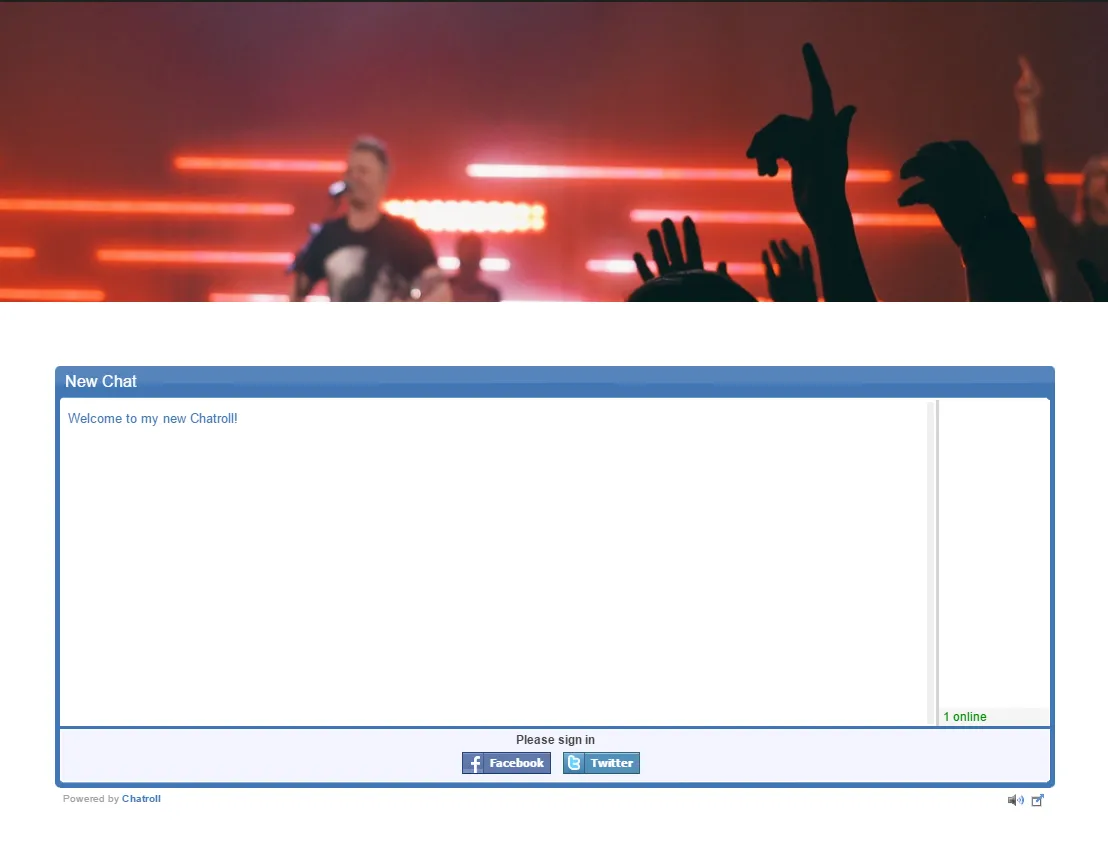
You can resize Chatroll by modifying the width and height parameters in your quick embed code.
Copyright © 2026 Chatroll™. All rights reserved.