

Selecting a language for the chat interface
To change the interface language for a chat:
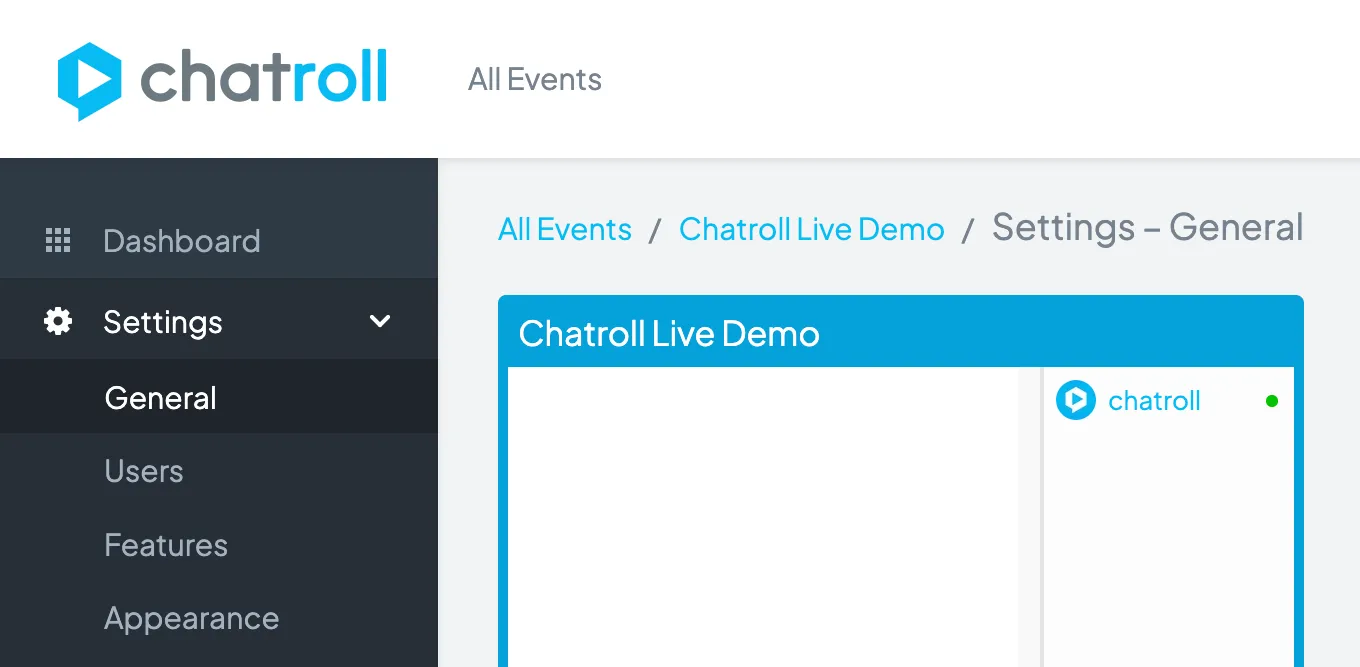
- Go to the chat dashboard.
- Click Settings > General
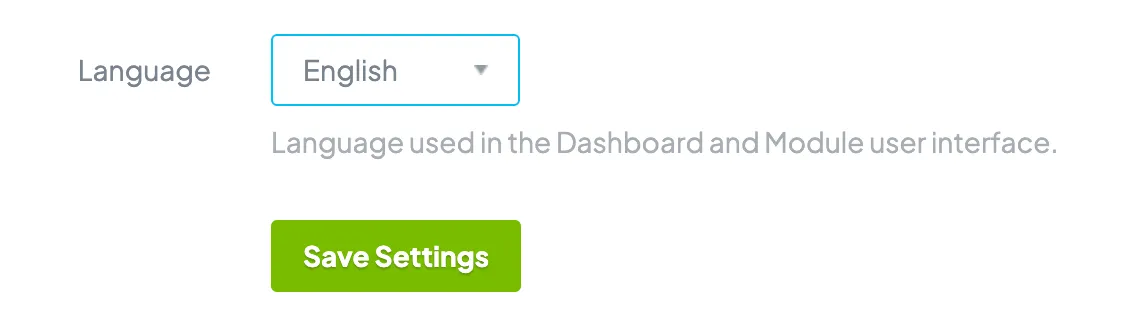
- In the Language section, use the drop-down menu to select the language.
- Click the Save Settings button.
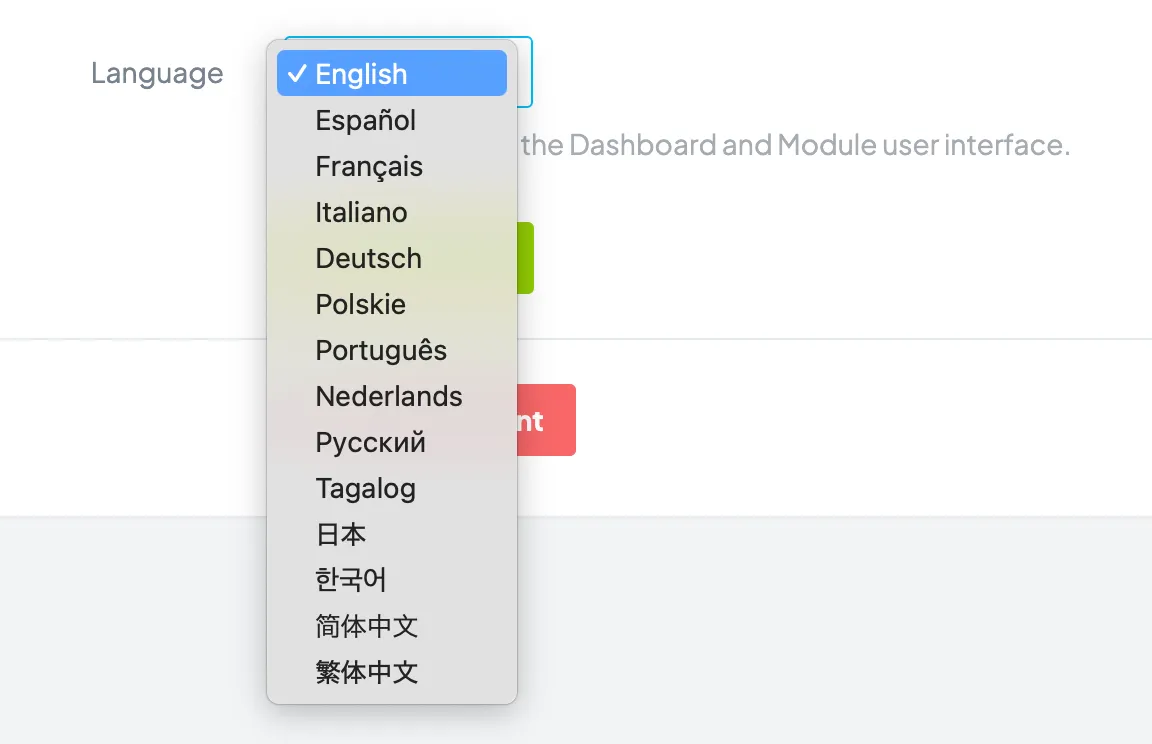
The Chatroll module and dashboard are currently available in the following languages:
- English
- Spanish
- French
- Russian
- German
- Dutch
- Italian
- Portuguese
- Korean
- Japanese
- Traditional Chinese
- Simplified Chinese
- Filipino (Tagalog)
If there is a language you would like to see, please send a request.
Copyright © 2026 Chatroll™. All rights reserved.