

Using the message filter
The message filter blocks unwanted language in real-time from being used in your chat.
To modify the message filter:
- Go to your chat dashboard.
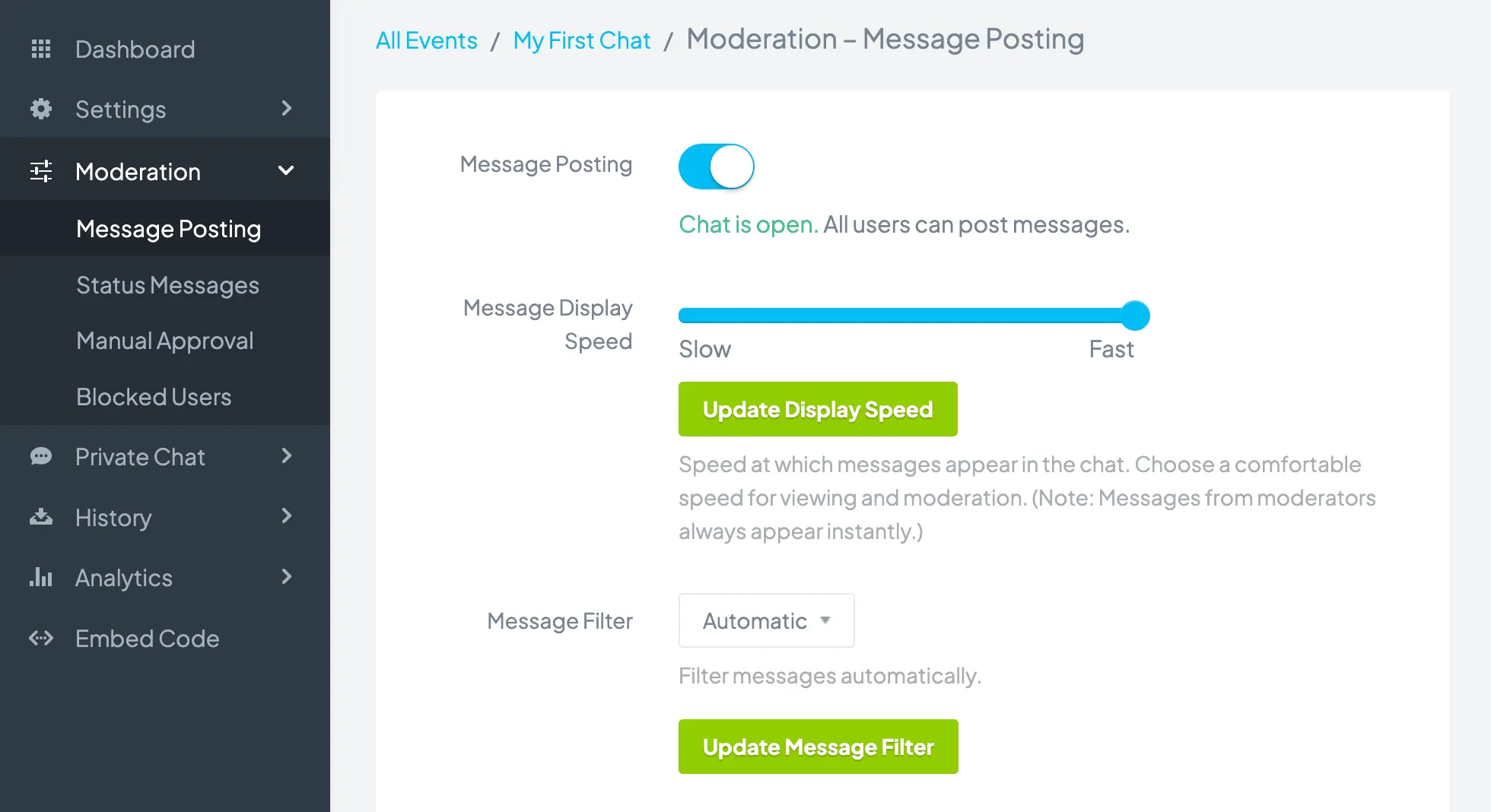
- Click Moderation > Message Posting.
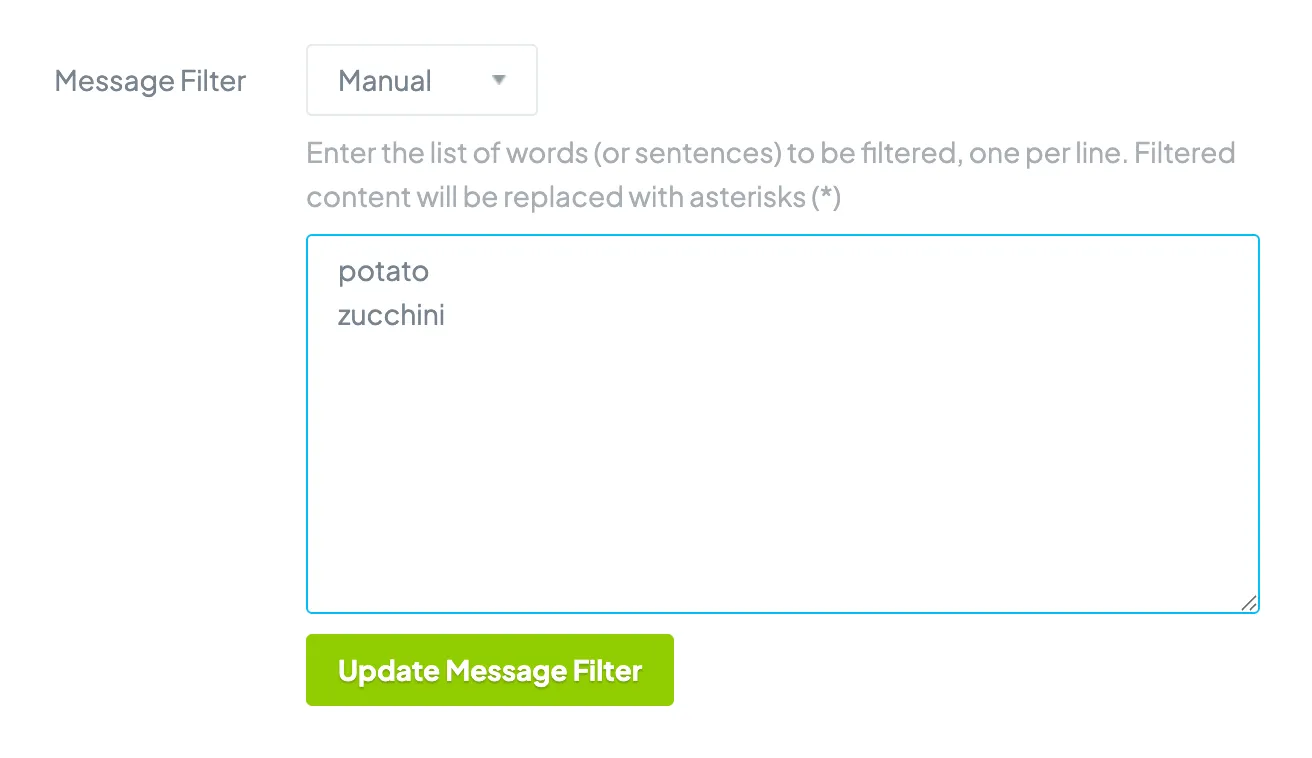
- In the Message Filter section there are two options: Automatic and Manual. If you select Automatic, words commonly considered inappropriate are automatically filtered. If you select Manual, you can decide which words to filter or allow the chat to be unfiltered.
- Click the Update Message Filter button.
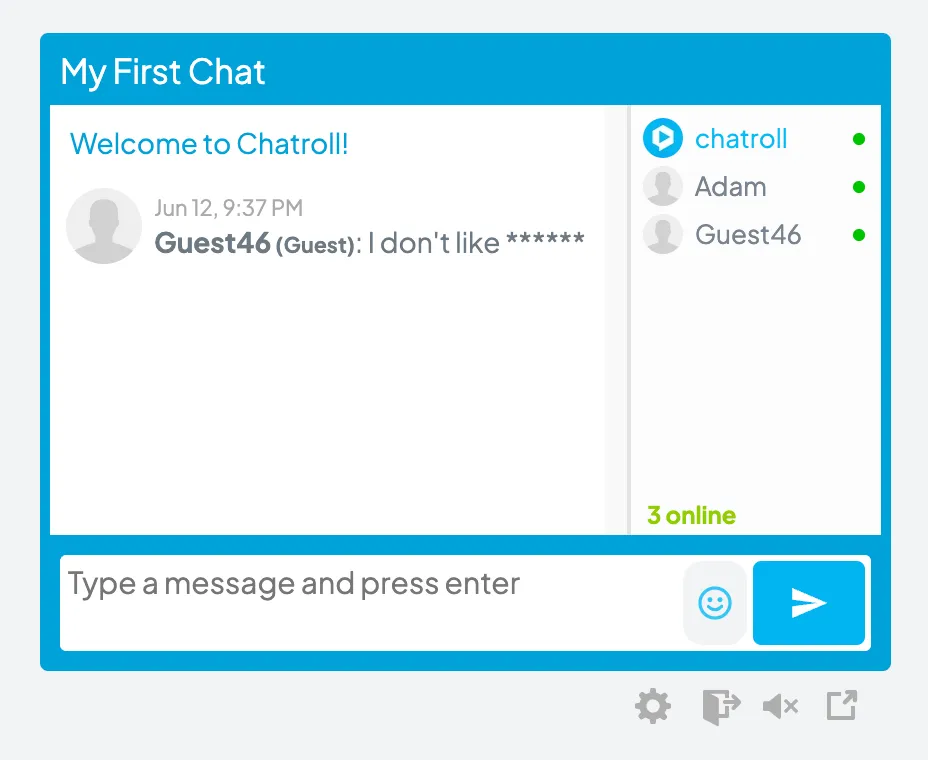
You can then delete the message. You can also click on the user’s name to send a private message to warn about use of language or to block the user.
Copyright © 2026 Chatroll™. All rights reserved.