

Creating and embedding your first chat
After you have created your account, use the following steps to create and install your first chat:
- Click the Create a New Chat button.
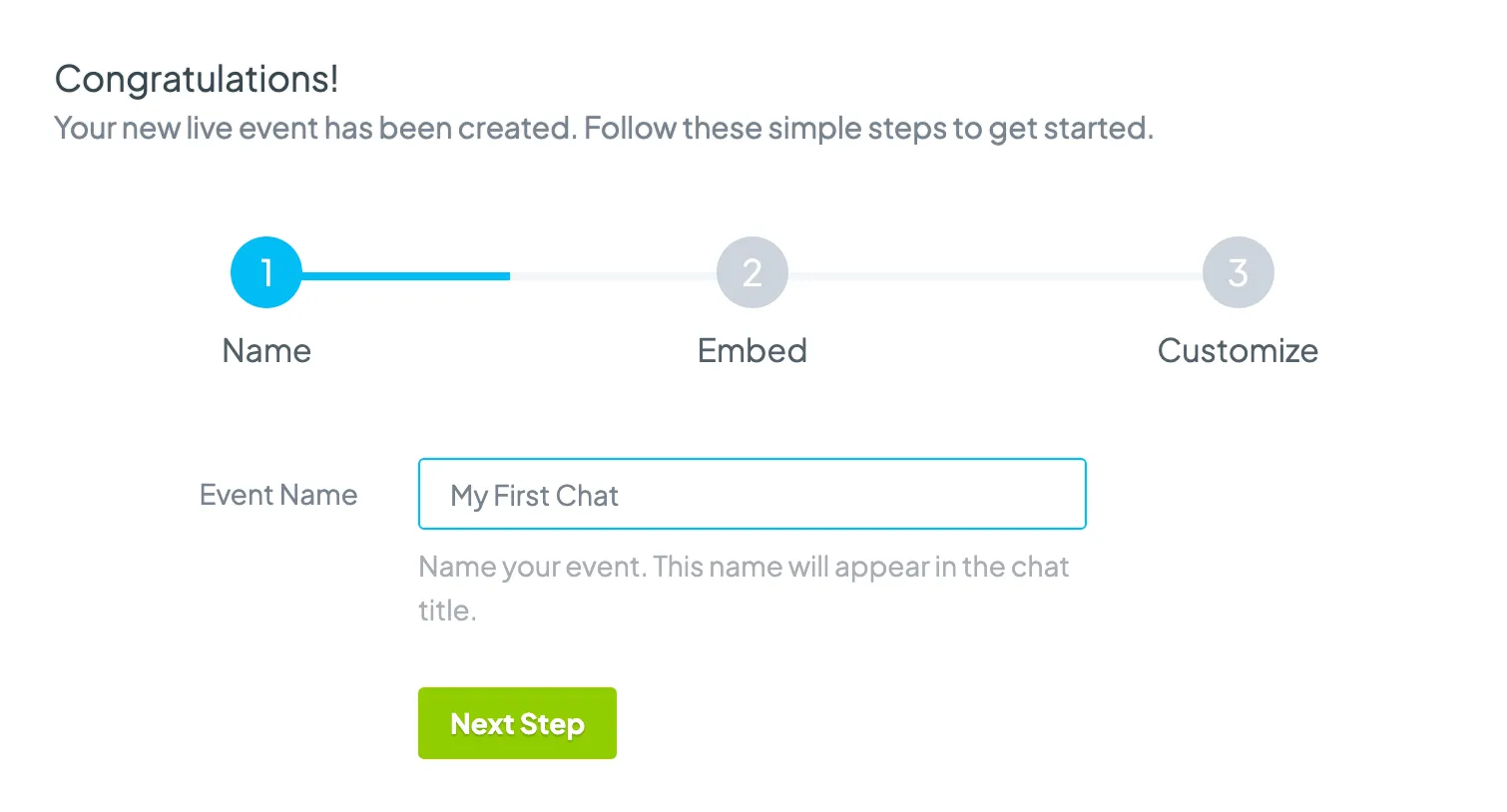
- Give your chat a name. It can be changed later.
- Click Continue.
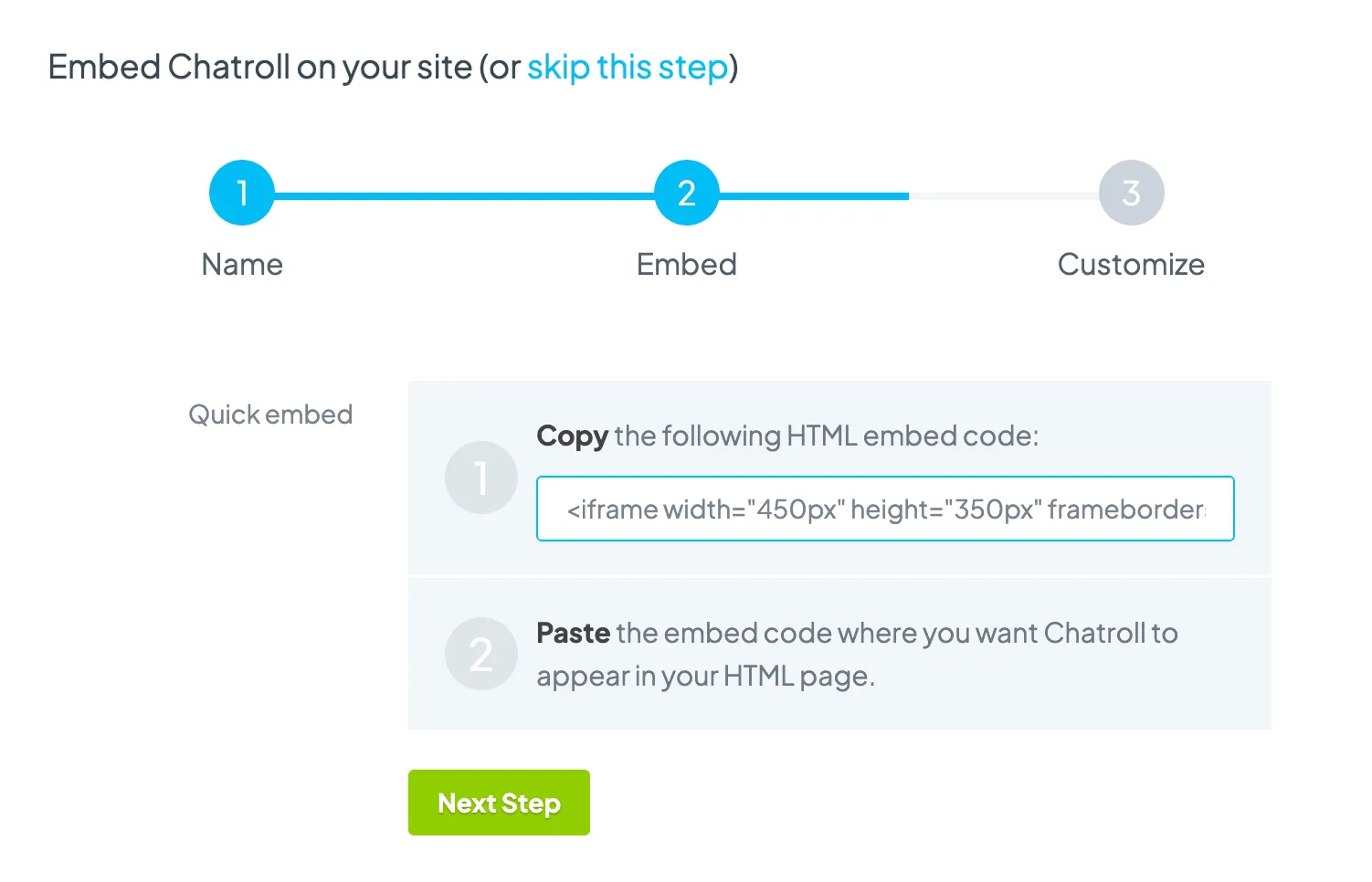
- Follow the instructions to embed your chat.
- Click Continue.
- Click Continue again, which takes you to the dashboard where you can customize your chat.

Copyright © 2026 Chatroll™. All rights reserved.