

Modifying the message display speed
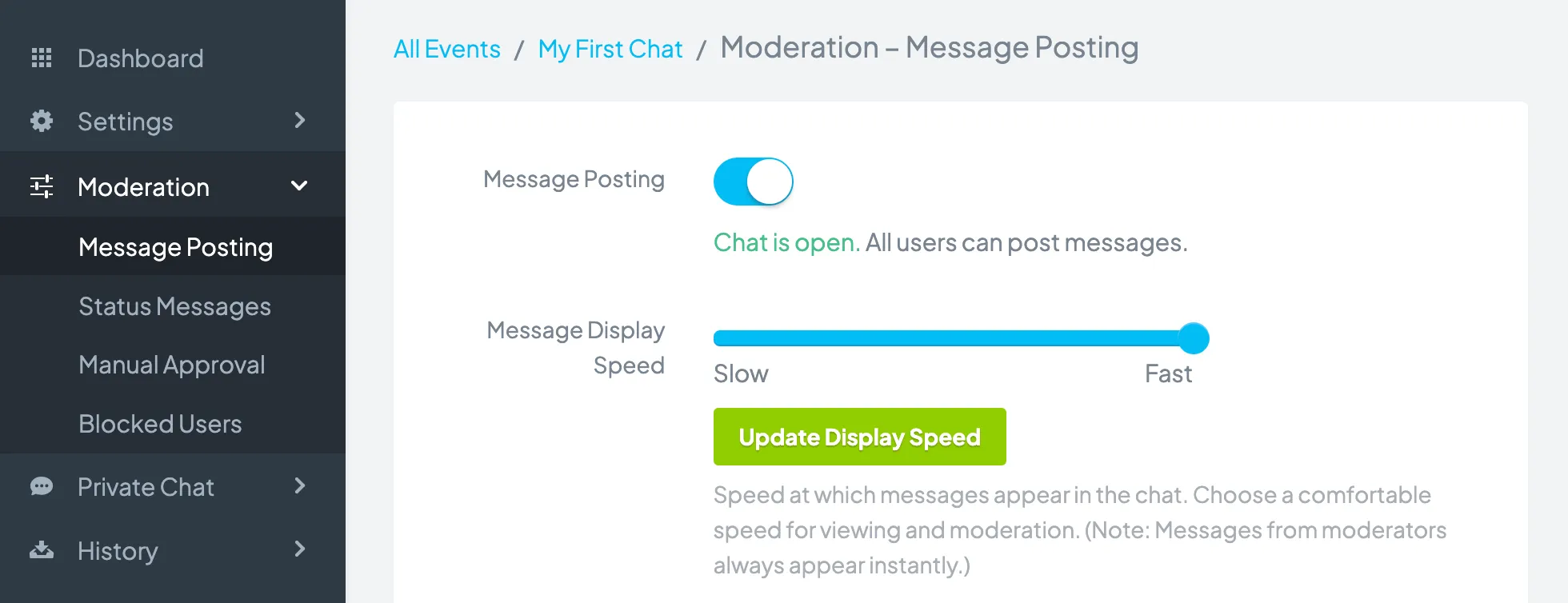
By default, the message display speed will be set to the fastest option, which is real-time. To modify how quickly messages display in the chat:
- Go to your chat dashboard.
- Click Moderation > Message Posting.
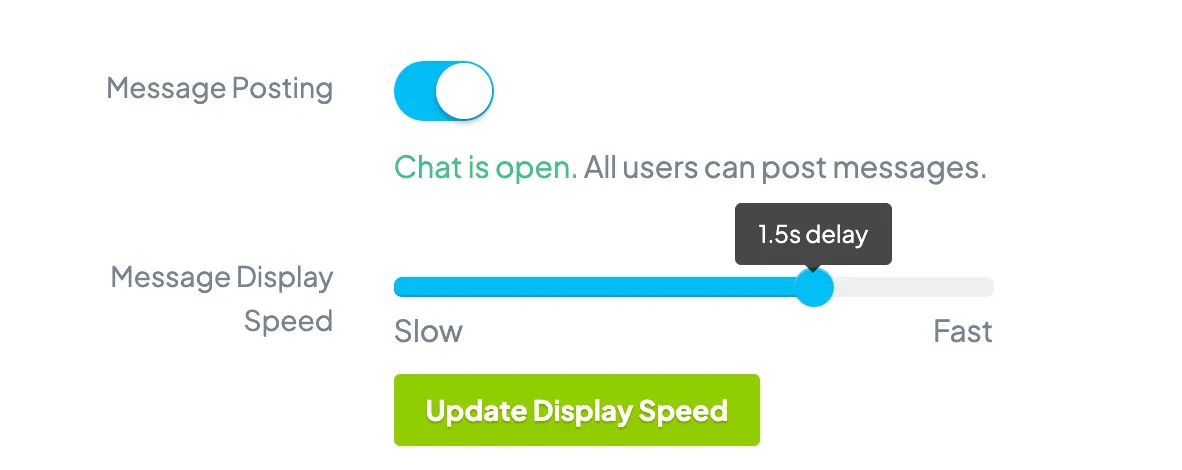
- In the Message Display Speed section, drag the slider to select the message display speed. You will be able to set the time delay between messages.
- Click the Update Display Speed button.
Note: Messages posted by administrators and moderators will always appear in real-time. Messages posted by all other users will appear based on the message display speed.
Copyright © 2026 Chatroll™. All rights reserved.