

The Chatroll Module
The Chatroll module is the chat interface displayed on your site or app. You can also access the module via your dashboard.
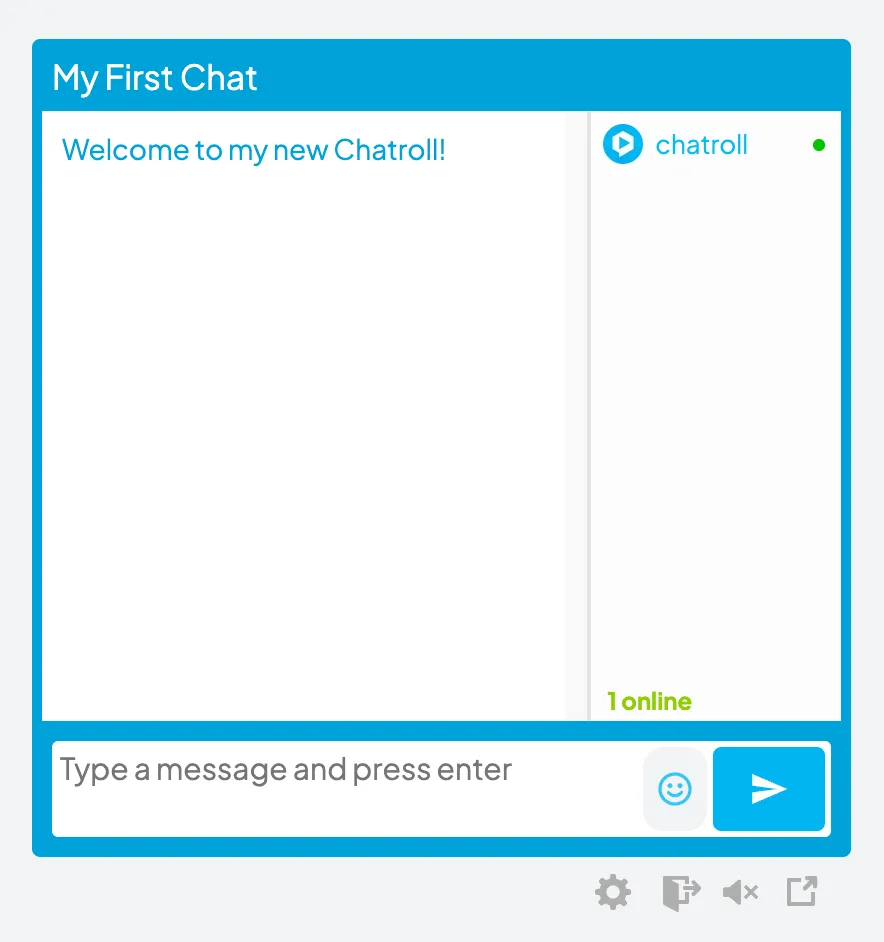
There are four buttons at the bottom of the chat module:
- Settings: Only administrators and moderators see this button. It links to the chat dashboard.
- Sign Out: Allows logged-in users to log out of the chat. When users log out, they can still see the Chatroll module but their names will no longer show in the user list and they will not be able to post messages to the chat.
- Sound: Turns sound on or off. When sound is set to “on”, a sound plays whenever a user posts a message to the chat.
- Popout: Allows the chat to be popped-out into a new window.
The buttons and all other aspects of the chat module’s appearance can be customized using CSS.
The look and feel of the module can be fully customized through the dashboard to provide a chat experience that perfectly matches your brand.
Copyright © 2026 Chatroll™. All rights reserved.