

Choosing who can post links to the chat
To specify who can post links in the chat, go to your chat dashboard and click Settings > Permissions, then scroll to the Post Links section.
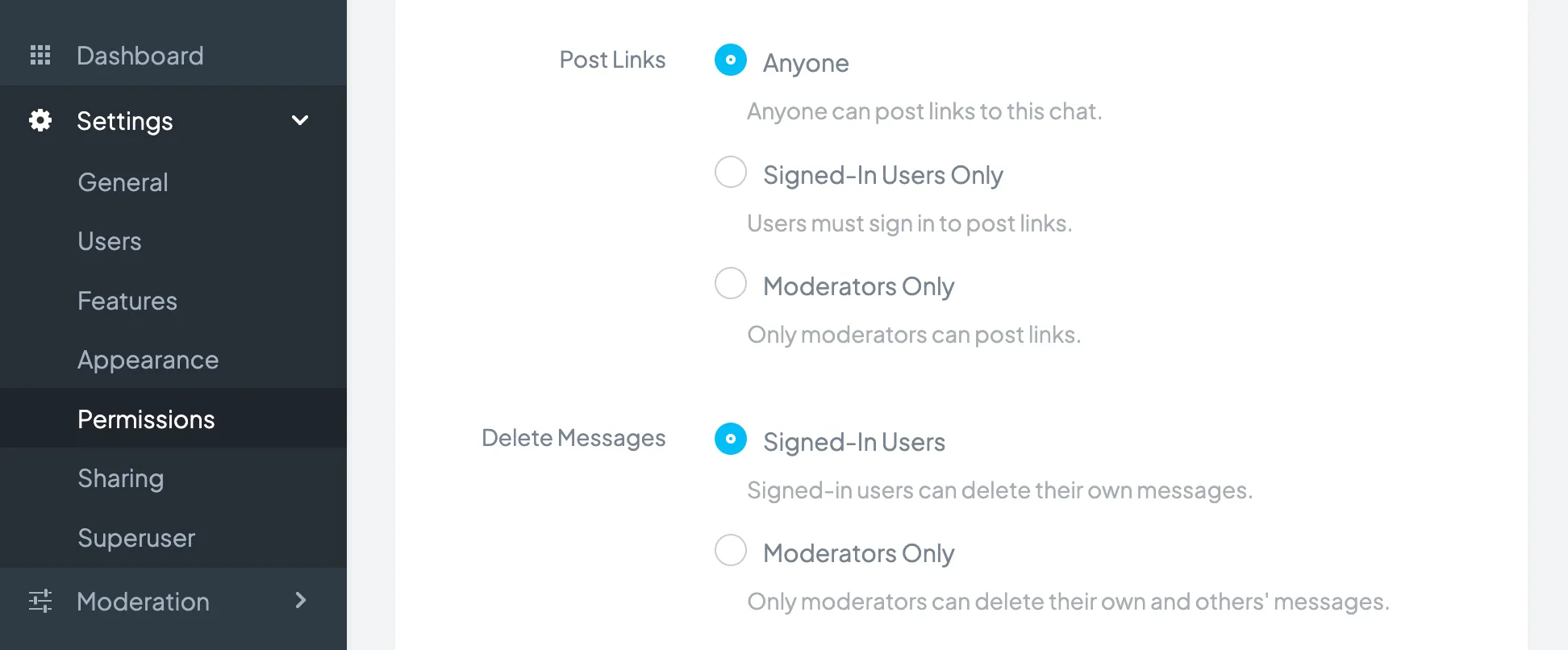
You will have the following options:
- Anyone: Any user can post links.
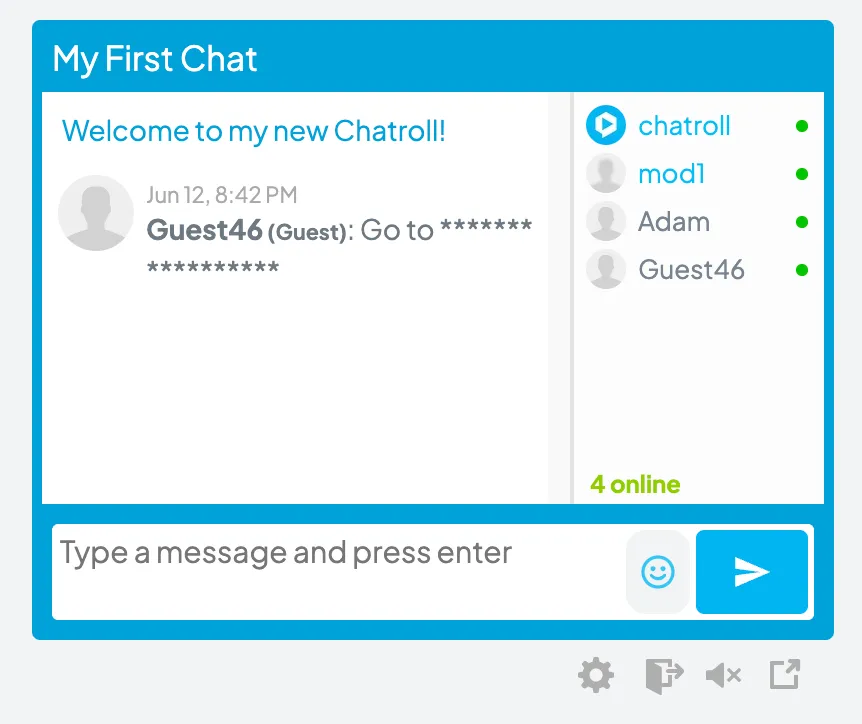
- Signed-In Users Only: Only users logged in with Chatroll, Facebook, Twitter or SSO can post links. Users logged in as Guests are not permitted.
- Moderators Only: Only administrators and moderators of the chat can post links.
Copyright © 2026 Chatroll™. All rights reserved.