

Modifying the width and height of your chat
To set the width/height of your embedded chat, update the “width” and “height” values in the “style” attribute in the Chatroll <iframe> embed code.
You can find the embed code by clicking Embed Code in your chat dashboard.
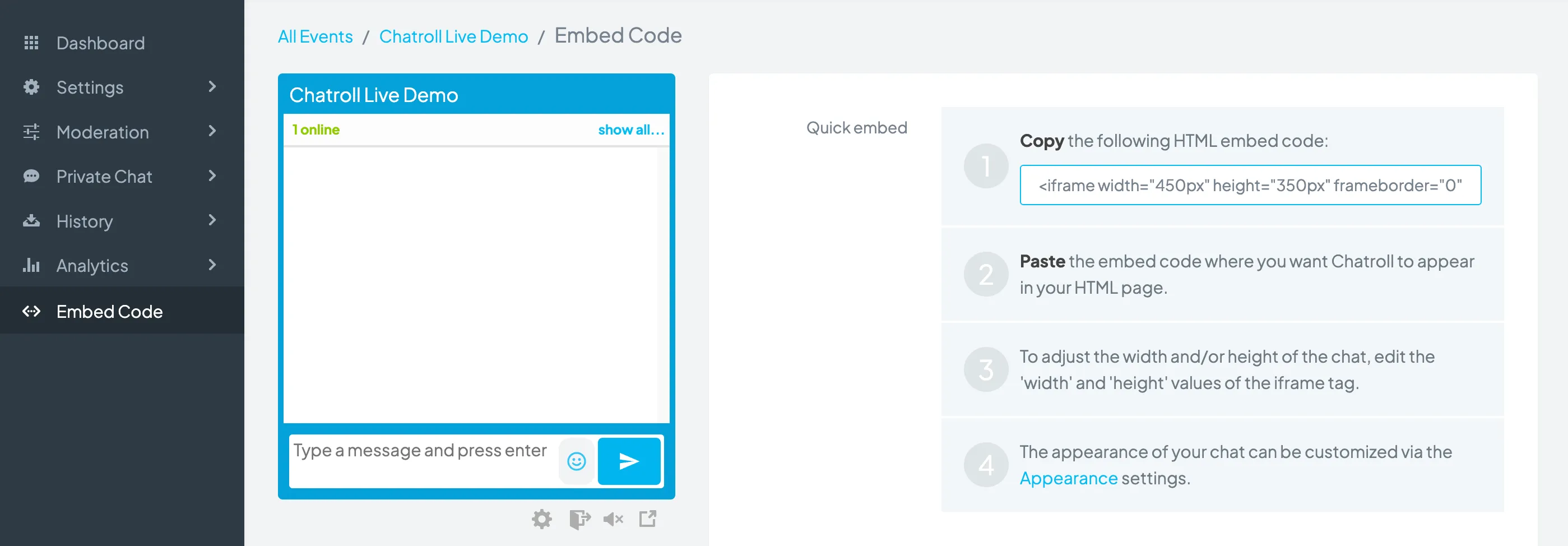
To make the chat responsive (to make the width and height change dynamically), set the width and/or height of the iframe tag to “100%” instead of a fixed value.
In the following sample HTML embed code, the width is set to 100% and will change dynamically, whereas the height is fixed at 350 pixels:
<iframe style="width:100%;height:350px;border:0;" src="https://chatroll.com/embed/chat/j84Ynndis9?id=MCZcxsRhIgW&platform=html&w=$0"></iframe>Copyright © 2026 Chatroll™. All rights reserved.