

Send & emoji buttons
Chatroll displays Send and Emoji buttons to make it easy for users to engage on desktop & mobile devices. To modify the behavior of these buttons, go to your chat dashboard and click Settings > Features.
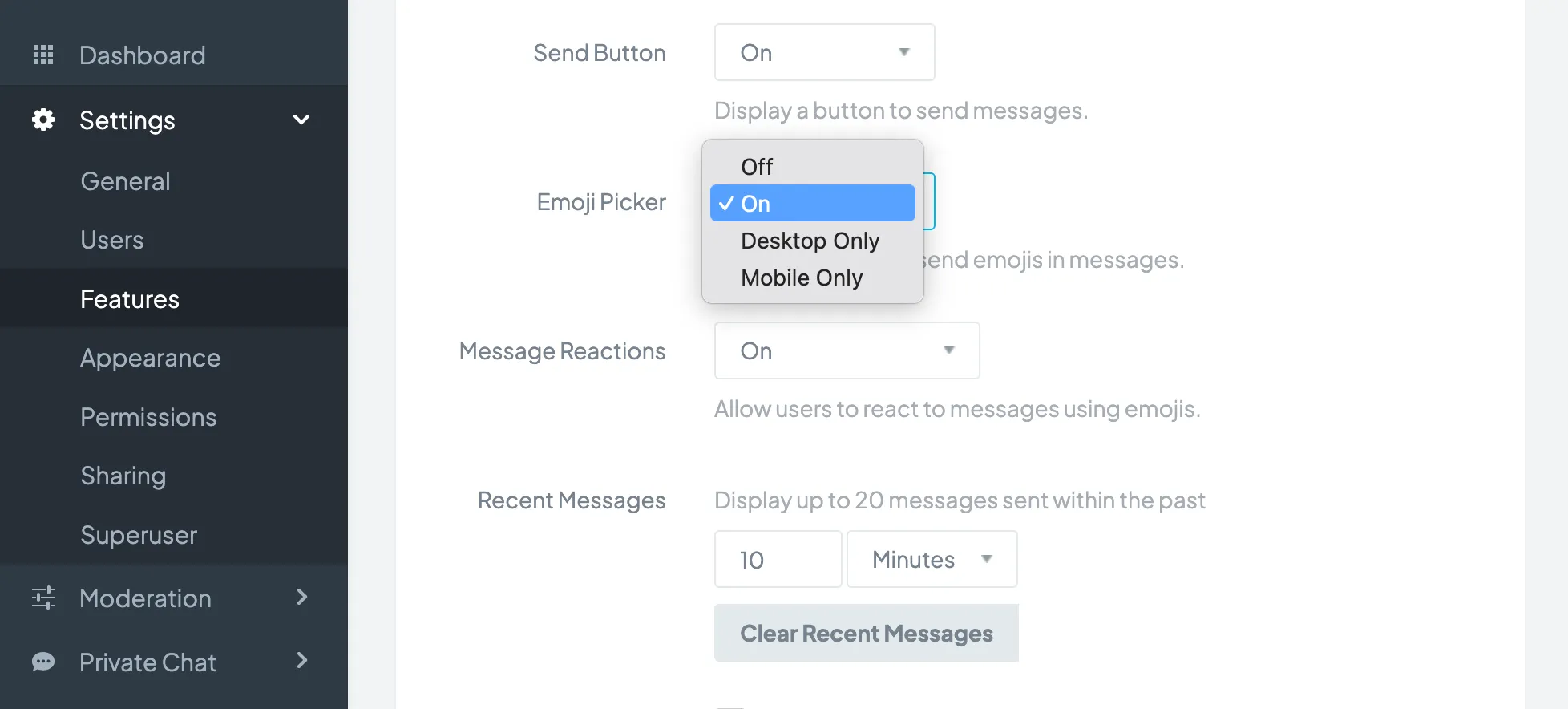
You can modify the following:
- Send Button: Shows a send button in the message input area. Clicking this button will send a message (on desktop, the "enter" key can also be used to send a message.) You can set this button to On (always on), Off (always off), or configure the button to show on Desktop Only or Mobile Only.
- Emoji Button: Shows an emoji button in the message area to insert emojis into messages. You can set this button to On (always on), Off (always off), or configure the button to show on Desktop Only or Mobile Only.
Click the Save Settings button for changes to take effect.
Copyright © 2026 Chatroll™. All rights reserved.