

Browsing chat history in the dashboard
Chat history is saved and can be viewed in the dashboard.
To view chat history:
- Go to the chat dashboard.
- Click History > Browse.
- Click on a month to view its chat history.
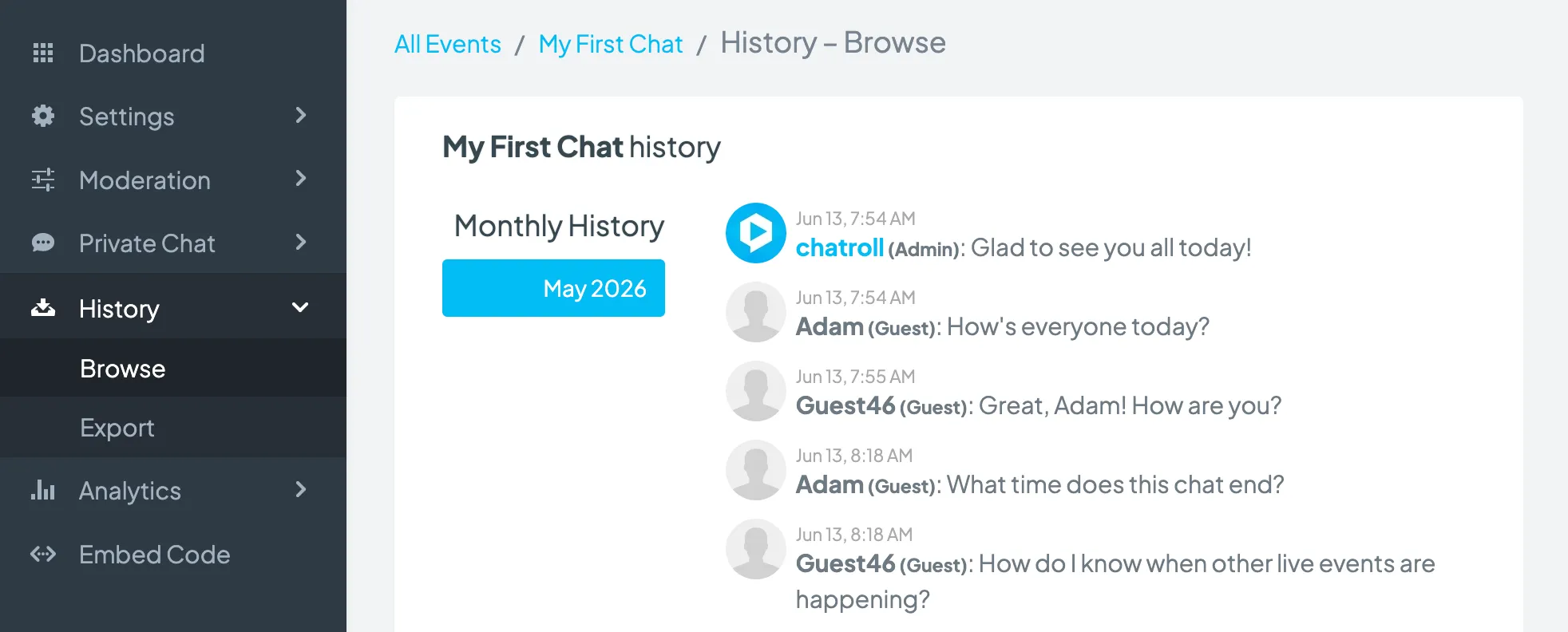
Chat history can also be browsed in the chat module and exported.
Copyright © 2026 Chatroll™. All rights reserved.