

Adding administrators and moderators
To add administrators or moderators to your chat:
- Have your administrator or moderator sign up for a Chatroll account.
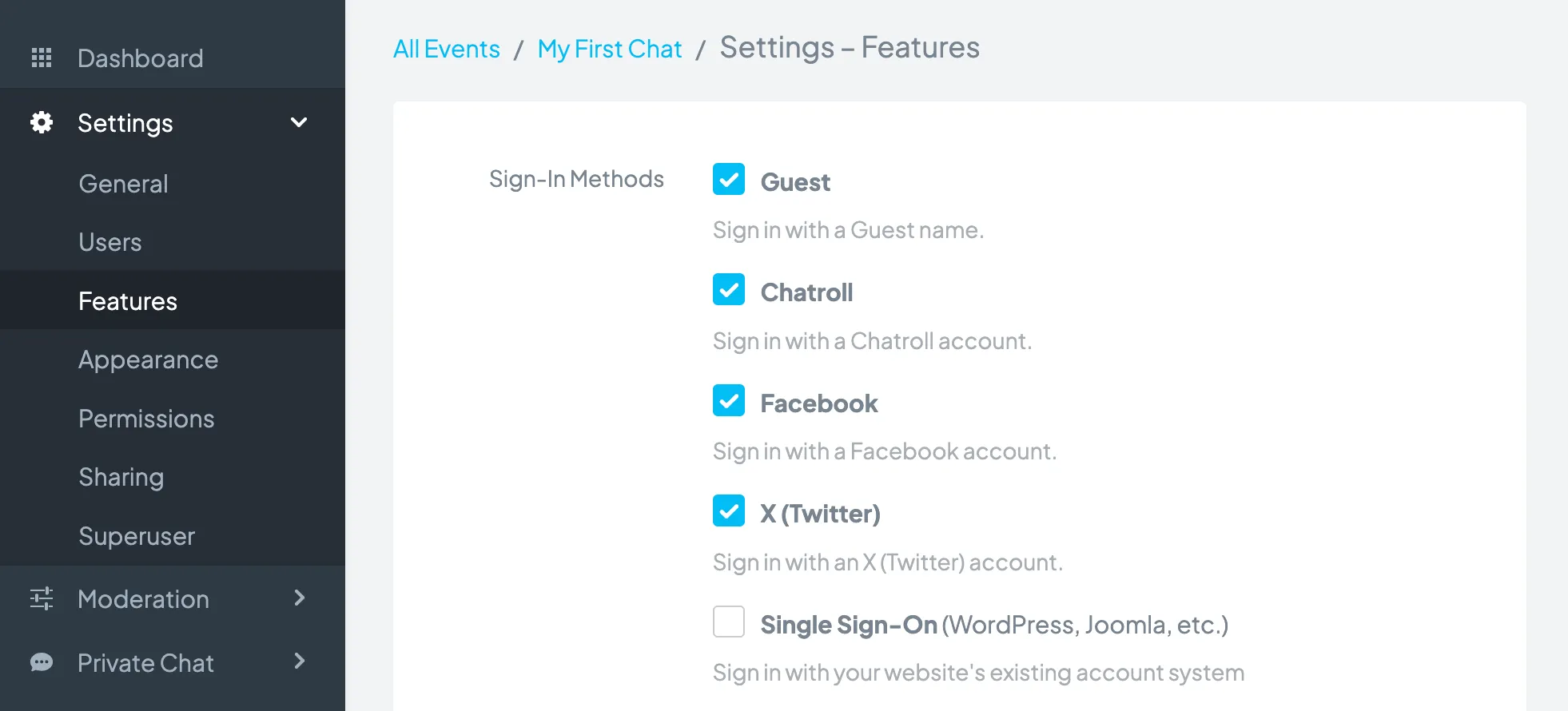
- On the Settings > Features page in the chat dashboard, make sure Chatroll login is enabled.
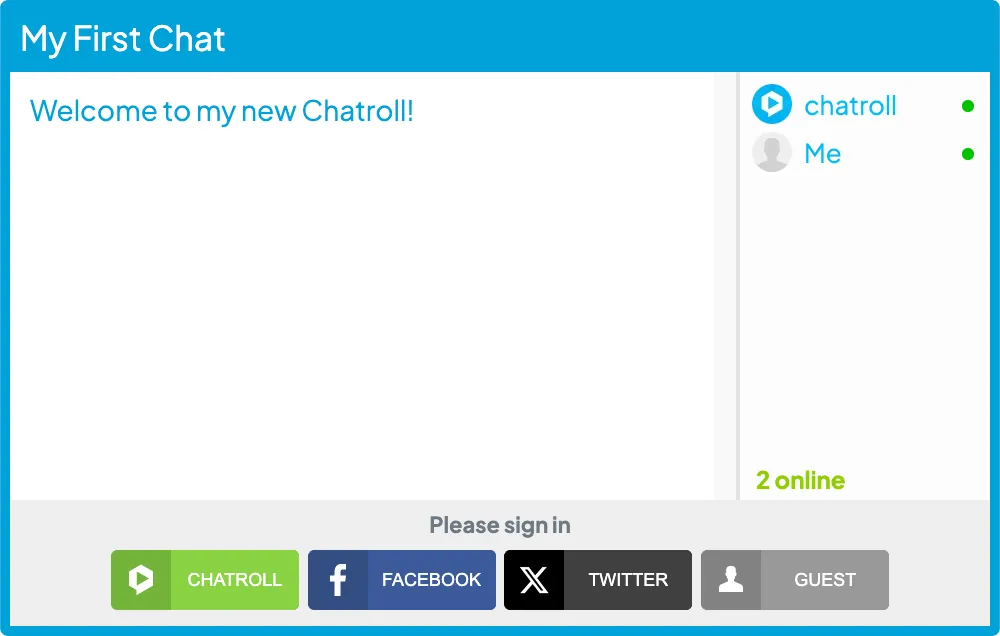
- Have the administrator or moderator log in to the chat using Chatroll login.
- On the Settings > Users page in the chat dashboard, you should see the name of the administrator or moderator in the Signed In section.
- Next to the person’s name, click Make Admin or Make Moderator.
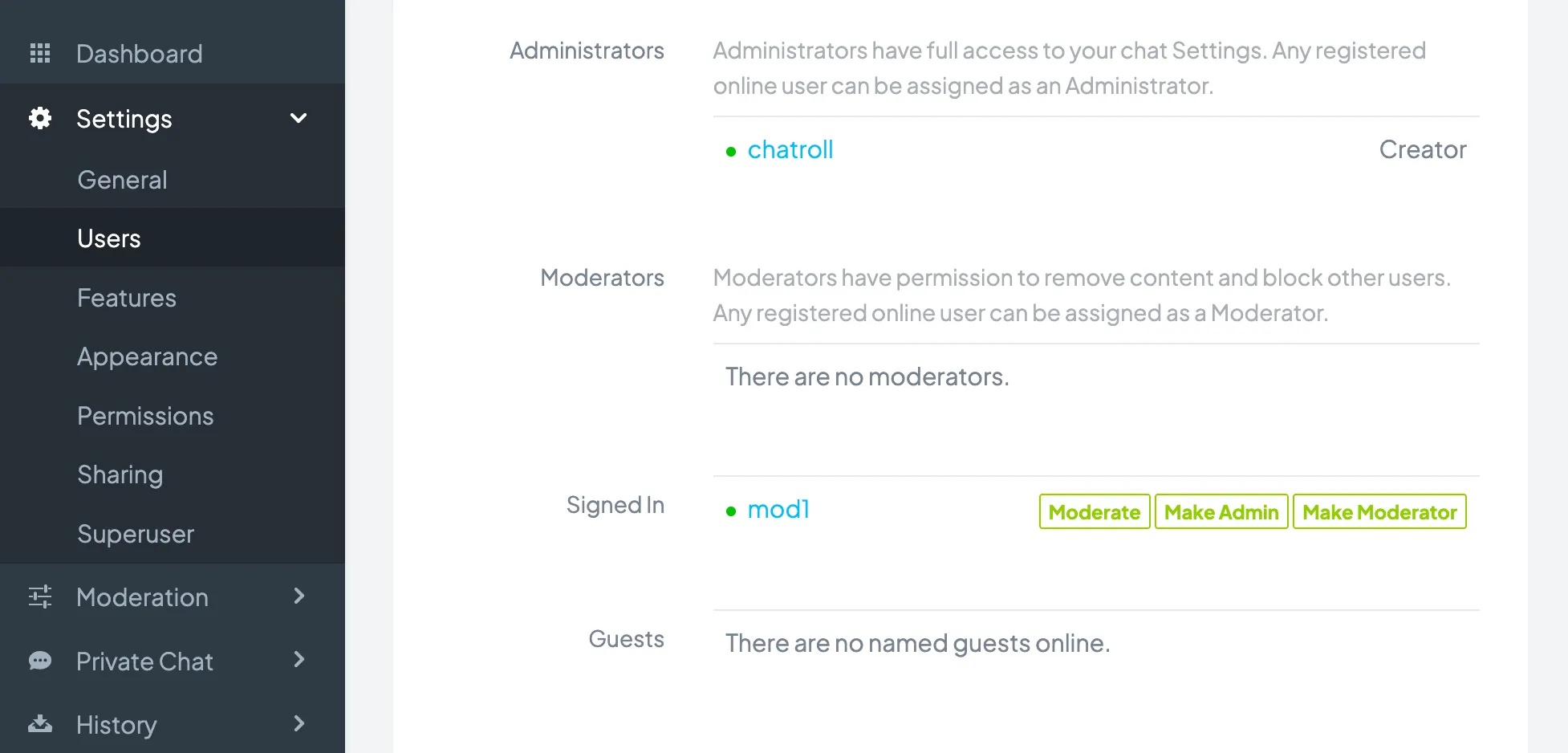

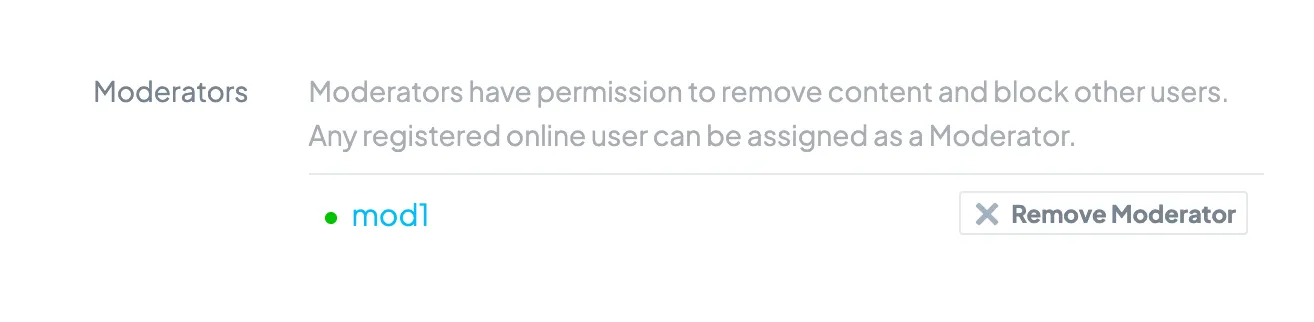
The administrator or moderator will show in your Administrators or Moderators list.
When administrators and moderators log in to their Chatroll accounts, they will see your chat in their account dashboards.
Administrators have full access to the chat dashboard and can modify all settings. Moderators only see the moderation options in the dashboard.
Copyright © 2026 Chatroll™. All rights reserved.