

How do I change my username?
To change your username:
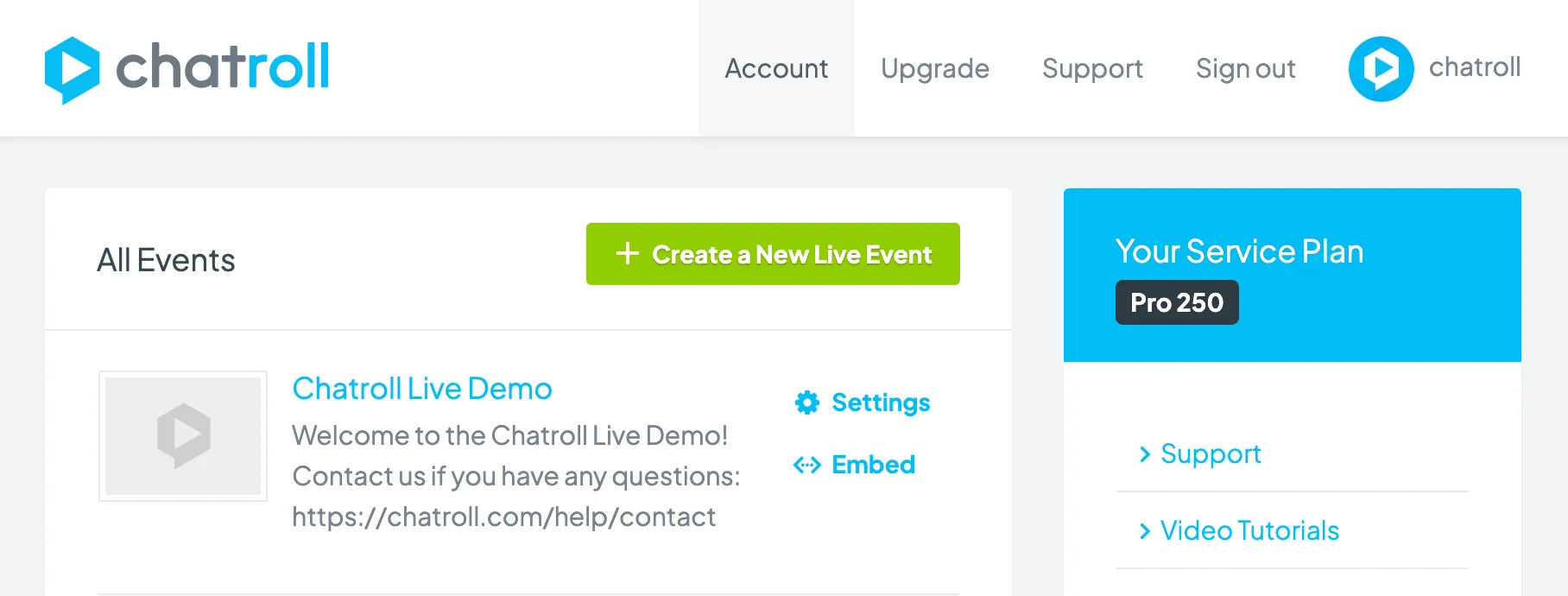
- Go to your account dashboard.
- Click Account.
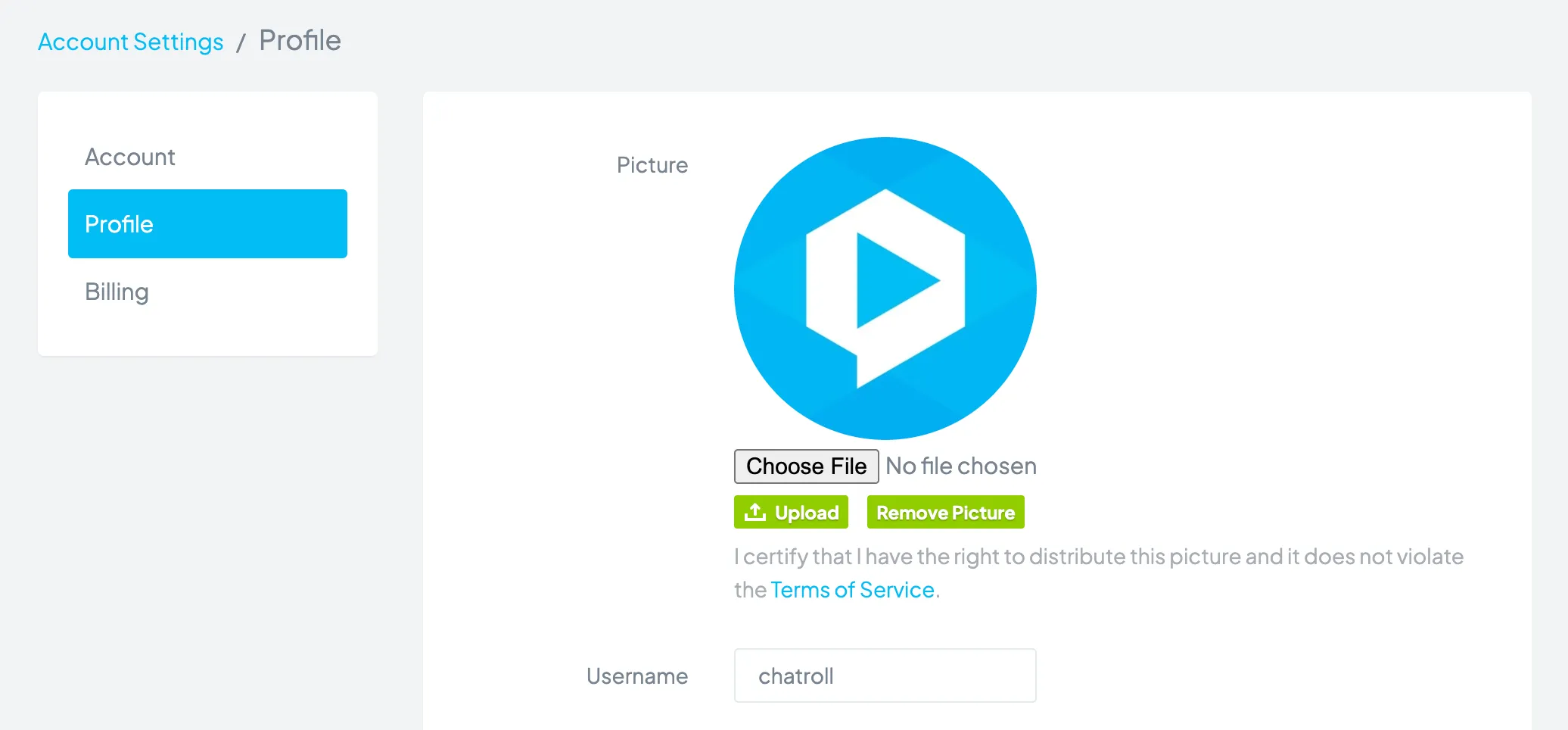
- Click Profile.
- In the Username field, enter your new username.
- Click the Save Settings button.
Your username is used to log in to Chatroll, and is displayed when you are logged in to a chat.
Copyright © 2026 Chatroll™. All rights reserved.