

Increasing your chat’s capacity limit
To change general chat options, go to the chat dashboard and click Settings > General.
To view your chat’s capacity limit, go to your chat dashboard and click Settings > Users.
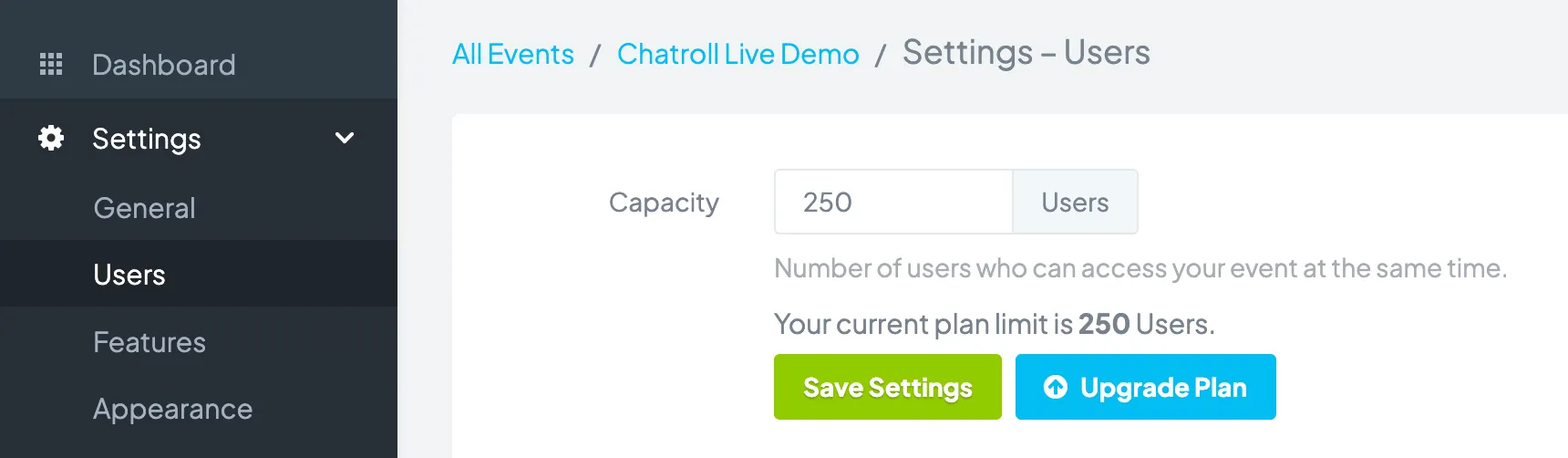
Capacity displays the number of users who can access your chat simultaneously.To increase the number of people who can access your chat, upgrade your plan.
Copyright © 2026 Chatroll™. All rights reserved.