

Message reactions
Message reactions allow users to react to other users’ messages using emojis. To modify the behavior of message reactions, go to your chat dashboard and click Settings > Features.
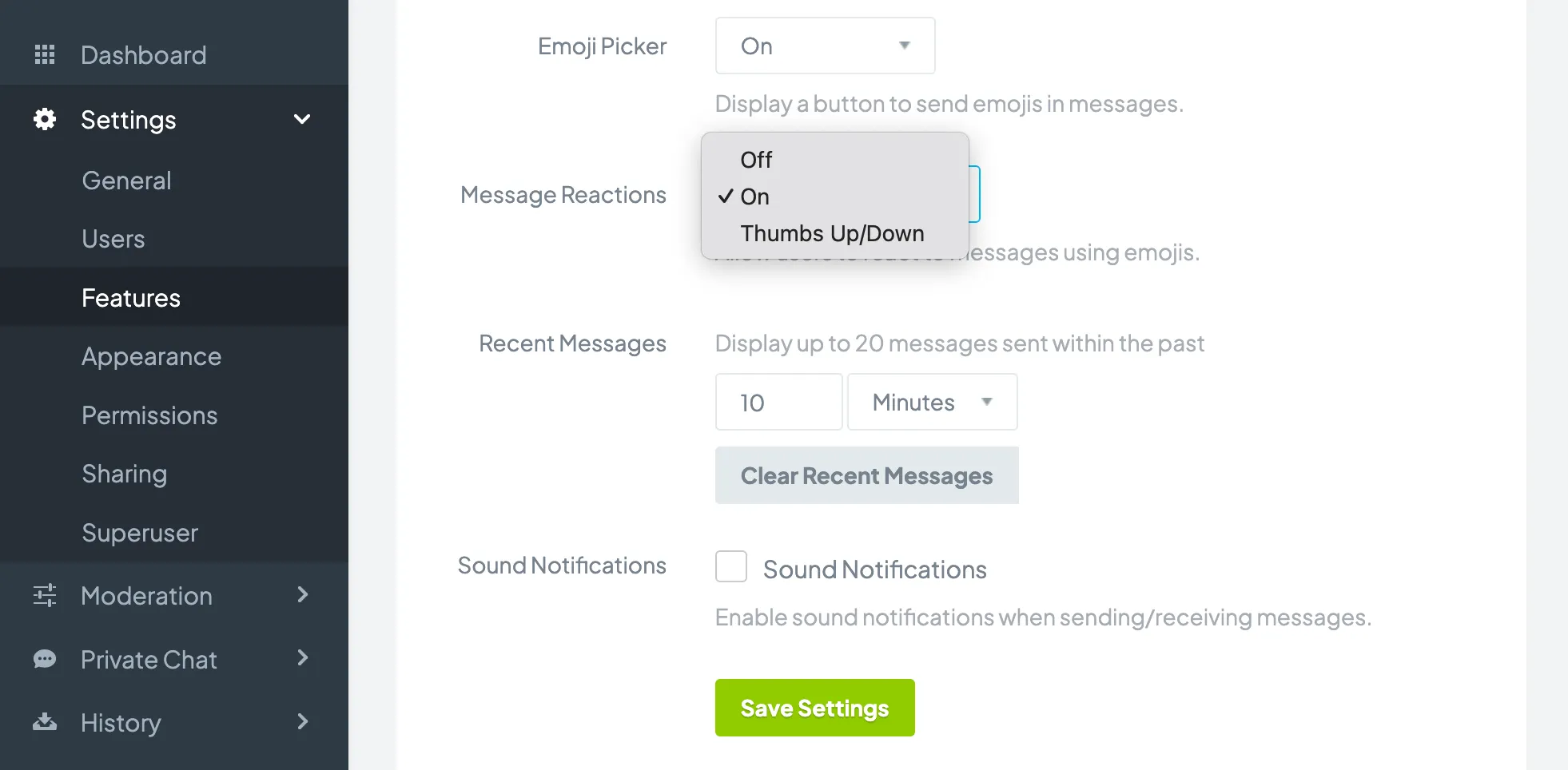
You can modify the following:
- Message Reactions: Allows users to post reactions to other users' messages using emojis. You can set this feature to On (react using any emoji), Off (no reactions), or Thumbs Up/Down (only allow thumbs up/down emojis, which can be useful for voting.)
Click the Save Settings button for changes to take effect.
Copyright © 2026 Chatroll™. All rights reserved.