

How do I change my profile picture?
To change your profile picture:
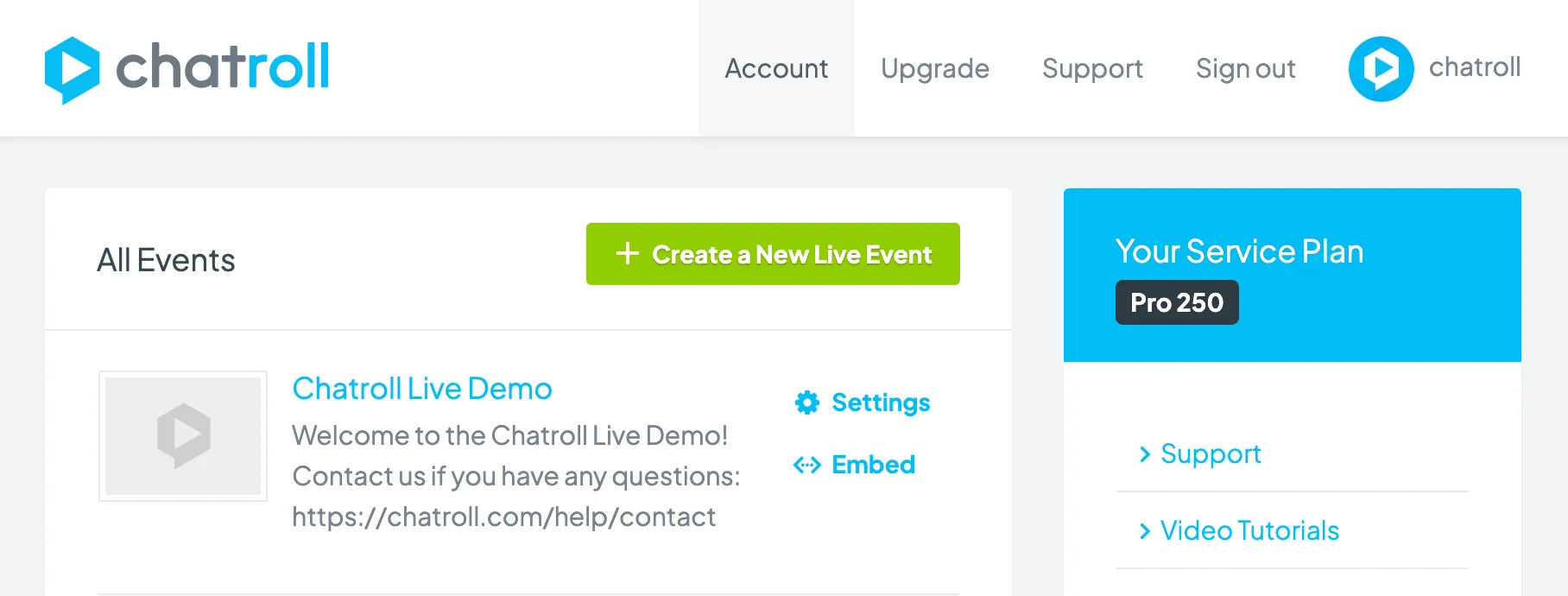
- Go to your account dashboard.
- Click Account.
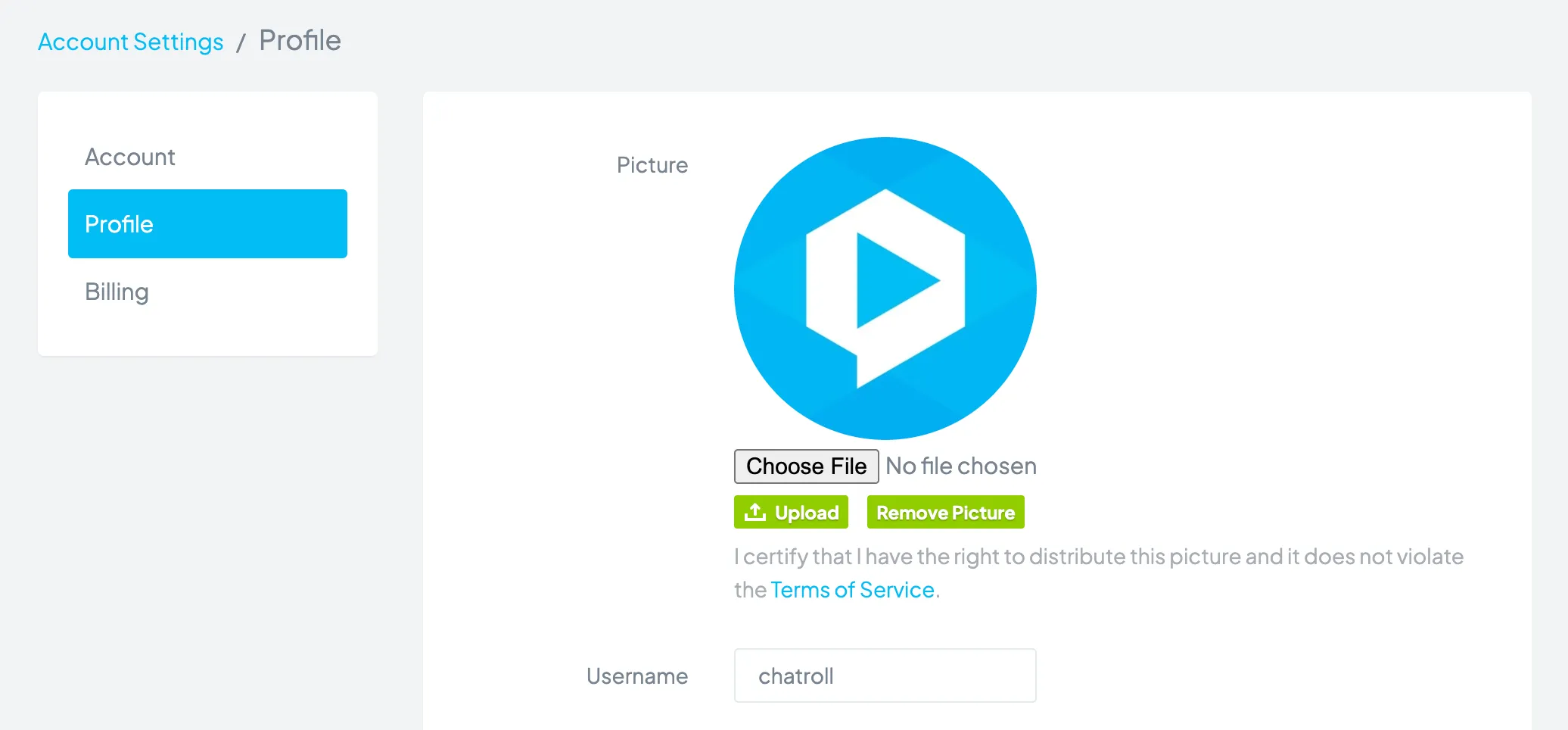
- Click Profile.
- In the Picture section, click the Choose File button.
- Find the image file on your computer.
- Click the Upload button.
Your profile picture (also known as your avatar) displays next to your username when you are in a chat.
Copyright © 2026 Chatroll™. All rights reserved.