

Removing administrators and moderators
To view a list of all your chat’s administrators and moderators, go to your chat dashboard and click Settings > Users. You will see a list of your chat’s administrators and moderators.
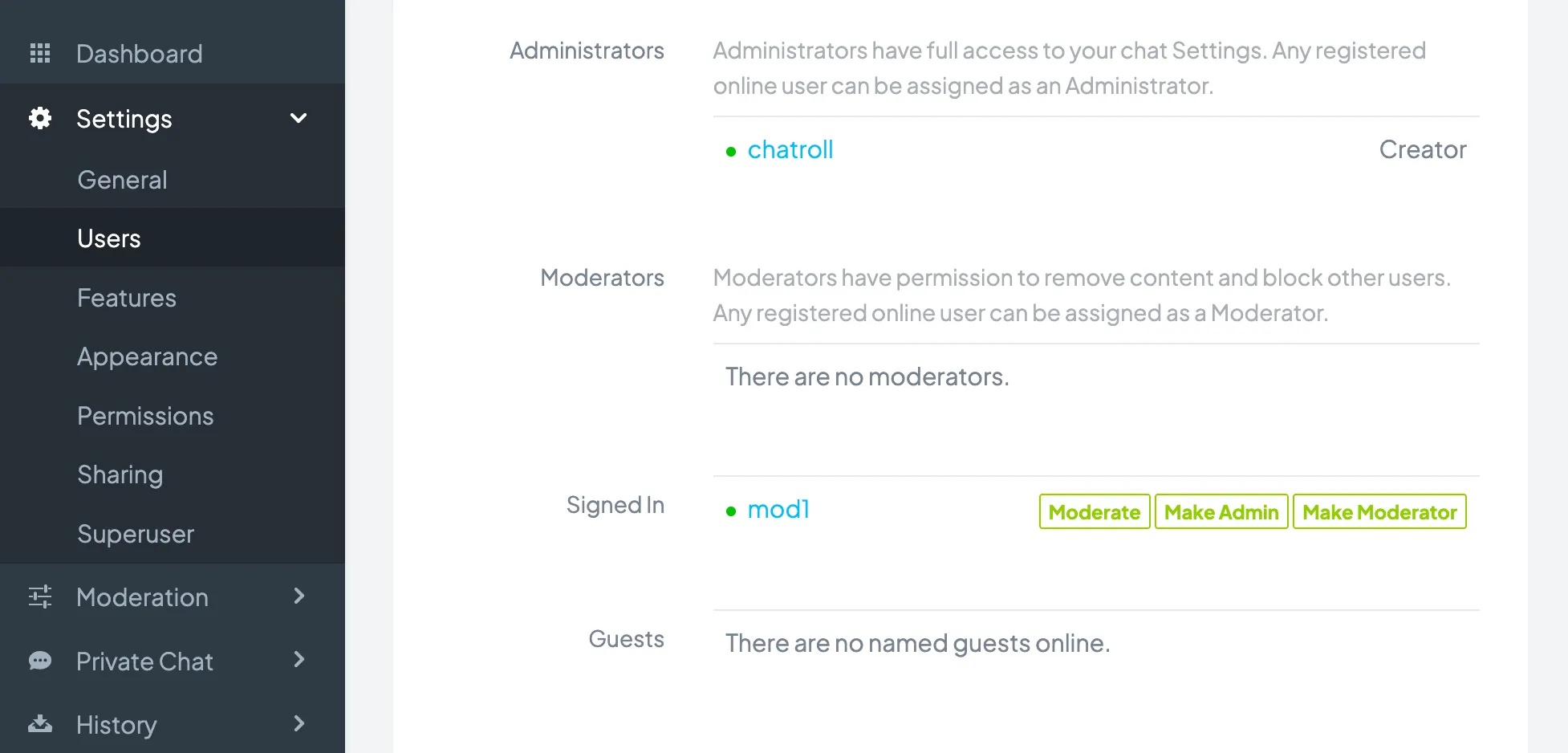
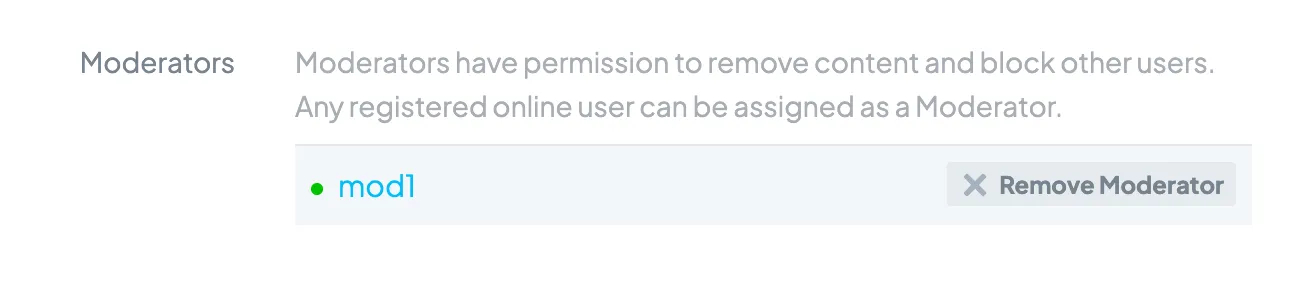
To remove an administrator or moderator, click Remove Admin or Remove Moderator next to the person’s name.
Copyright © 2026 Chatroll™. All rights reserved.